Choosing between Canva Free and Canva Pro can feel overwhelming when your design needs are growing but your budget is tight. Both plans offer powerful tools, yet the differences in features, templates, and collaboration options directly affect how quickly you can create professional-looking content. Understanding these gaps is the key to picking a plan that genuinely fits your workflow.
This guide breaks down Canva Free vs Canva Pro with clear, side-by-side comparisons so you can make an informed decision. Whether you are a solo creator, a freelancer, or part of a team, you will learn which plan delivers the best value for your goals and projects.
Introduction
If you have ever designed a social media post, a presentation, or a birthday invitation in the past few years, chances are you have encountered Canva. The platform has become one of the most widely used design tools in the world, largely because its free tier is genuinely useful. But as you spend more time creating, you will eventually face a familiar question: is Canva Free enough, or is Canva Pro worth the monthly cost?
This article explores Canva Free vs Canva Pro: Which Plan Is Right for You? with clear, practical guidance. Rather than pushing you toward one plan, it breaks down what each tier actually includes, who benefits most from each, and how to decide based on your real needs rather than marketing hype. Whether you are a student making posters, a small business owner managing a brand, or a freelance designer juggling client work, the goal here is to help you spend wisely and design confidently.
Understanding the fundamentals of Canva Free vs Canva Pro: Which Plan Is Right for You? helps you make informed decisions. A few minutes of comparison can save you months of paying for features you never touch, or struggling with limits you did not know existed.
Key Concepts
Before comparing the plans directly, it helps to understand the vocabulary Canva uses and the categories where the two tiers diverge. Most differences fall into six buckets: templates and design elements, brand control, collaboration, file handling, AI-powered tools, and background utilities.
Templates and Elements
Both plans give you access to hundreds of thousands of templates and millions of photos, graphics, and fonts. The difference is that Canva Pro unlocks the premium subset, which includes exclusive templates, a much larger library of photos and videos, and the ability to use premium elements without a watermark. On the free plan, premium items are marked with a crown icon and require payment or removal before download.
Brand Control
Canva Pro includes Brand Kit, a workspace feature that stores your logos, color palettes, and fonts so you can apply them consistently across designs. It also supports Brand Templates, which let teams lock certain elements so collaborators cannot accidentally change approved branding. The free plan offers no centralized brand storage.
Collaboration
Free users can share designs and invite others to edit, but Pro adds team folders, approval workflows, and the ability to assign roles across larger teams. For solo users, the collaboration gap is small. For organizations, it can be significant.
File Handling and Export Options
Both plans allow standard image and PDF exports, but Pro adds transparent backgrounds, higher-quality downloads of certain asset types, and the option to export with CMYK color profiles for print (available on some plans and regions). Pro also includes cloud storage via Canva’s servers for uploaded assets, plus the ability to upload custom fonts.
AI Tools and Background Utilities
Canva Pro bundles AI-driven features such as Magic Studio tools, Background Remover, Magic Eraser, and Magic Resize, which adapts a single design to multiple formats like Instagram posts, stories, and banners in one click. The free plan includes limited AI usage, typically with monthly caps, while Pro offers significantly higher or unlimited use depending on the tool.
Storage and Asset Management
Free accounts have a capped amount of cloud storage for uploads, while Pro expands this substantially and adds features like folders, starred items, and bulk management. If you upload many photos or brand assets, this ceiling matters.
Deep Dive
Now let us look at how these differences play out in practice, and where the value of each plan really sits.
The Free Plan: More Capable Than You Might Think
Canva Free is not a trial. It is a fully functional design tool with a vast library of templates, a solid set of editing tools, and generous export options for everyday projects. Social media graphics, simple presentations, printable flyers, and basic video edits are all comfortably within reach. For students, hobbyists, and anyone designing occasionally, the free plan covers the majority of common use cases.
The trade-offs are real but manageable. Premium templates tempt you with a crown icon. Background removal requires manual workarounds. AI tools run out after a modest number of uses. Storage fills up if you upload many large files. But if you are willing to work within these limits, you can produce professional-looking work without spending a cent.
The Pro Plan: Built for Volume, Consistency, and Speed
Canva Pro is designed for people who create regularly and need consistency. The Brand Kit alone can justify the cost for small businesses: apply brand colors and fonts in one click, and every design stays on-brand without manual tweaking. Background Remover, Magic Resize, and expanded AI tools save hours when you produce content at scale.
Pro also shines when you work with others. Team folders, permission controls, and brand templates reduce version chaos. If you manage a marketing team or a client roster, these features prevent the “which file is final” problem that plagues shared design work.
Where the Value Line Sits
A useful way to think about it: the free plan is about access, and the Pro plan is about speed and control. If your bottleneck is learning how to design, start free. If your bottleneck is repetitive manual work, licensing limits, or brand consistency, Pro typically pays for itself quickly. Freelancers who bill hourly will notice that Magic Resize and Background Remover alone can recover the subscription cost in a single project. Casual users rarely will.
Considerations for Teams and Businesses
For organizations, the decision often splits. A single Pro account can be shared uncomfortably, but Canva’s team plans are designed for multi-user access with centralized billing and admin controls. If you are a small team of three to five people, a team plan is usually better value than individual Pro accounts because it includes shared brand assets and folder structures. Solo creators, by contrast, can stick with an individual Pro subscription and upgrade only when collaboration demands grow.
Best Practices
Whatever plan you choose, a few habits will help you get more from Canva and avoid common frustrations.
- Audit your usage first. Look at your last ten designs. If most were simple posts or documents, free is likely sufficient. If you repeatedly hit premium elements or needed background removal, Pro is justified.
- Use the free trial strategically. Canva offers a trial of Pro. Plan a real project for that period, such as a batch of social posts or a client deliverable, so you can test the features you actually need.
- Organize your assets from day one. Create folders for clients, campaigns, or personal projects. This habit matters even more on the free plan, where storage is limited.
- Standardize your brand manually on the free plan. Save your hex codes and font names in a document, and apply them consistently. It is slower than Brand Kit but achieves a similar look.
- Check licensing terms for premium assets. Some premium elements have usage restrictions, especially for resale or print-on-demand. This applies to both plans but becomes more relevant as you scale.
- Review your subscription annually. Needs change. A plan that fit last year may be overkill now, or no longer enough.
Reliable information and consistent habits lead to better long-term outcomes. A modest plan used well beats an expensive plan used haphazardly.
Step-by-Step: Choosing and Using the Right Plan
Follow these steps to move from uncertainty to a confident decision, and to set up healthy design routines once you have chosen.
Step 1: Understand the fundamentals
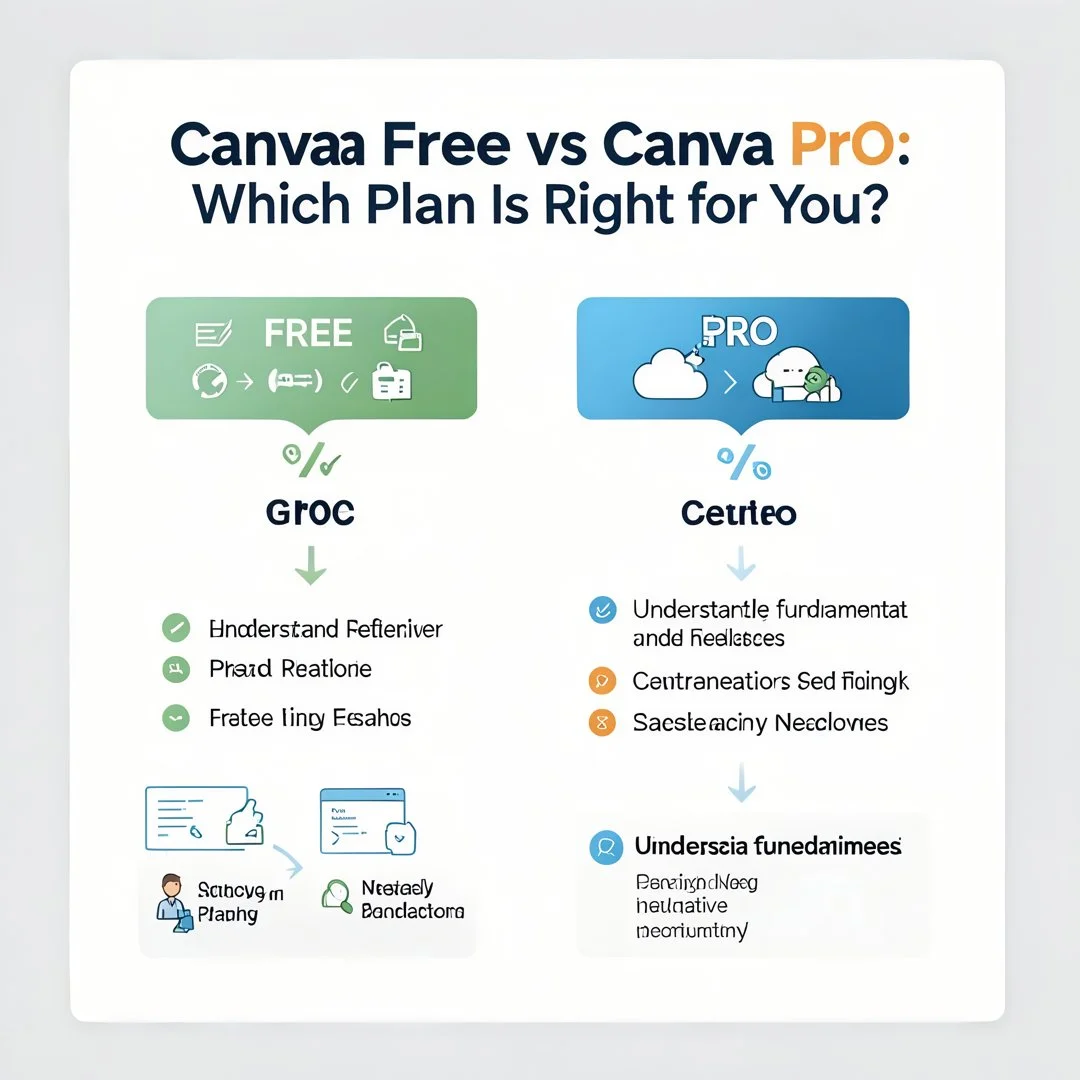
Spend fifteen minutes reviewing Canva’s official plan comparison page. Note which features you recognize from your own workflow and which are unfamiliar. Understanding the fundamentals of Canva Free vs Canva Pro: Which Plan Is Right for You? helps you make informed decisions, so do not skip this step or rely solely on secondhand summaries.
Step 2: Assess your starting point
List what you currently create, how often, and for whom. Note any limits you have already hit: premium templates you skipped, background removals you did manually, storage warnings you ignored. This inventory reveals where your real friction lies.
Step 3: Set clear goals
Define what success looks like over the next three to six months. Goals might include publishing a consistent social calendar, producing client deliverables faster, or maintaining brand consistency across a team. Clear goals make the plan decision obvious: features that serve a goal justify cost; features that do not are noise.
Step 4: Gather necessary resources
Collect your brand assets (logos, colors, fonts), any client guidelines, and examples of designs you admire. If you are considering Pro, prepare a test project that uses premium features so you can evaluate them under real conditions rather than hypothetical ones.
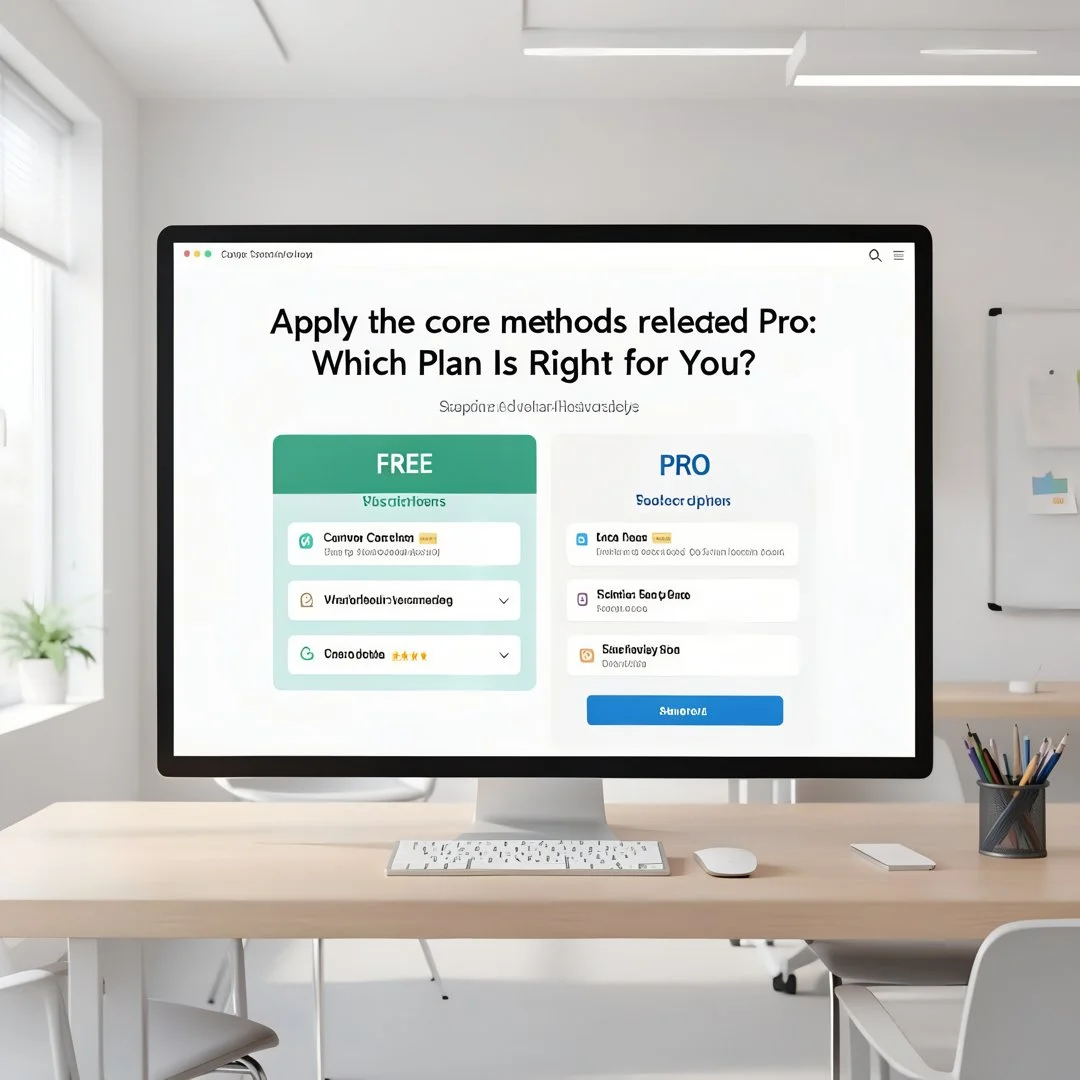
Step 5: Apply the core methods
Start with the free plan and build your workflow. Create templates for repeated formats, organize folders, and establish a naming convention. If you hit repeated roadblocks that a Pro feature would remove, trial Pro and run your test project. Compare time spent and output quality before and after. This hands-on comparison is far more reliable than any feature list.
Step 6: Monitor your progress
After a month or two, review your usage. Are you using the Pro features you paid for? Did the free plan’s limits actually slow you down? Adjust accordingly, and set a calendar reminder to revisit the decision quarterly. Plans should follow needs, not the other way around.
FAQ
What should I know about Canva Free vs Canva Pro: Which Plan Is Right for You?
The core difference is not access to design tools, which both plans share, but access to premium assets, brand management, AI features, and collaboration controls. Free is excellent for occasional and budget-conscious users. Pro is designed for people who create regularly, need brand consistency, or want to save time on repetitive tasks like resizing and background removal. The right choice depends on how often you design and whether specific Pro features solve a real.
You now have a solid foundation for Canva Free vs Canva Pro: Which Plan Is Right for You?. Apply the best practices above and revisit this guide as your needs evolve.